Technical analysis for US stocks, on three timeframes.
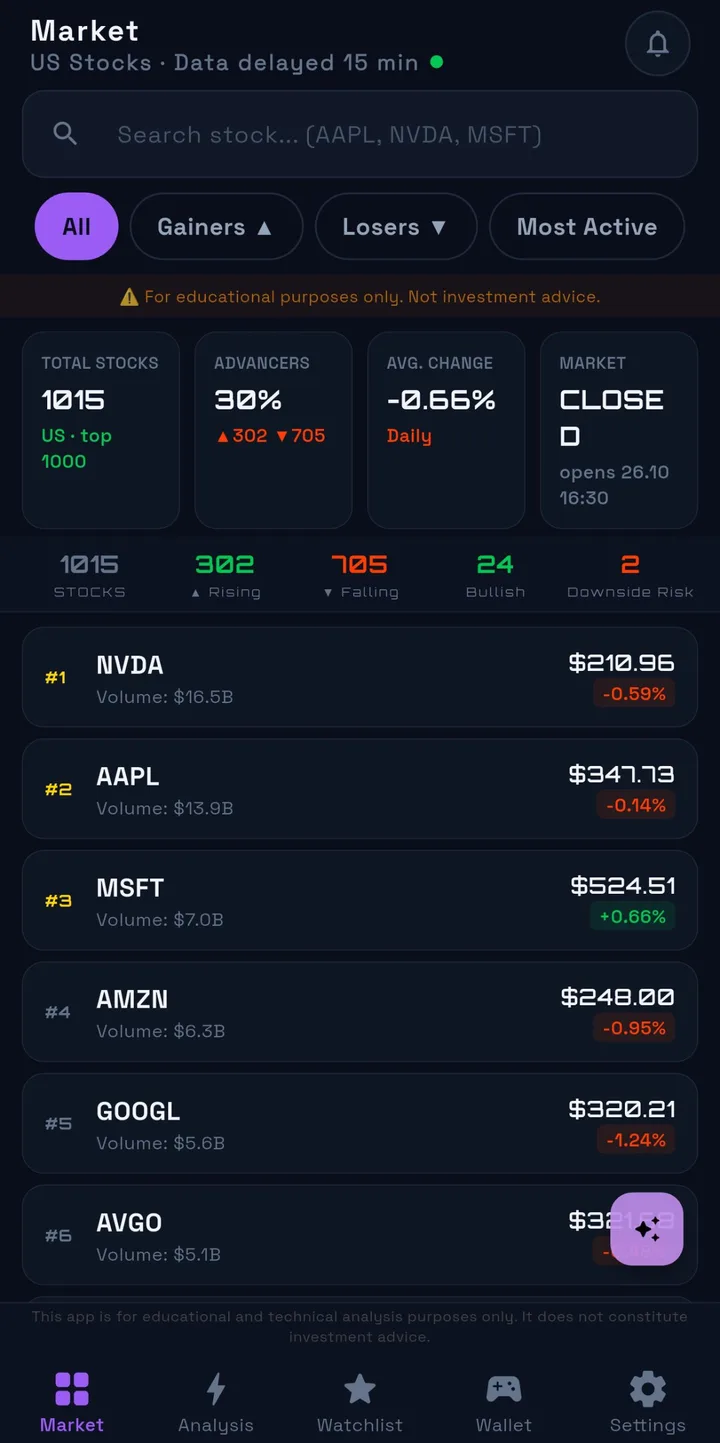
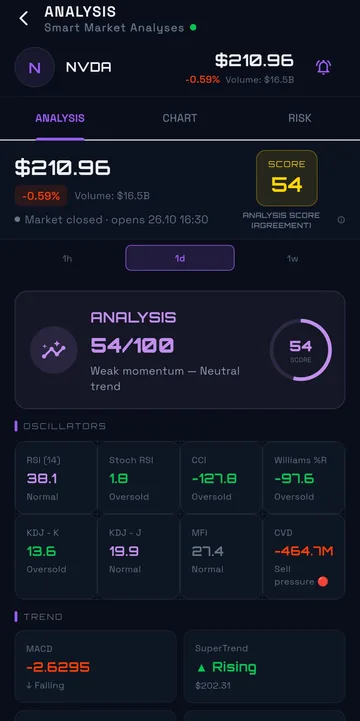
NBORSA follows the 1,000 largest US-listed companies and produces rule-based technical analysis for the top 100 — alongside the earnings and dividend dates that matter for every chart.
Features
Everything in one place — nothing that pushes you.
Upside analyses
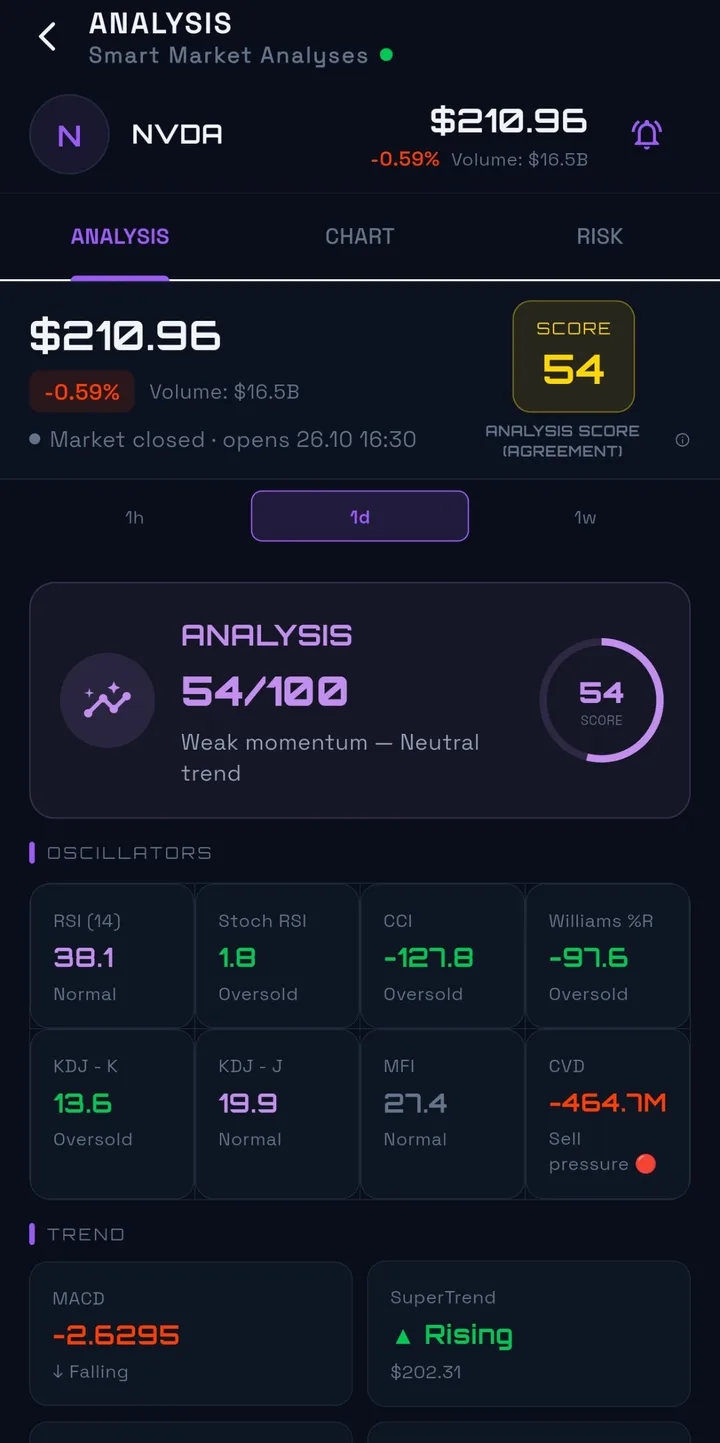
Rule-based analyses on 1 hour, 1 day and 1 week, shown only when every quality criterion is met.
Downside risk alerts
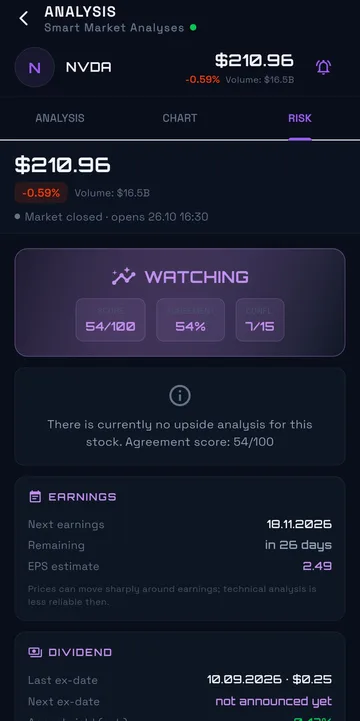
An automatic indicator when bearish technical conditions become more pronounced. It is not a prompt to buy or sell.
Earnings and dividends
Next earnings date, EPS estimate and dividend dates, with notes on how they can affect technical analysis.
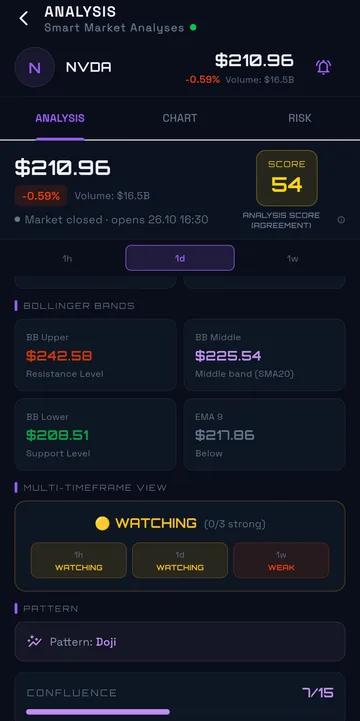
Multi-timeframe view
Compare a stock's short, medium and long-term picture at a glance.
AI assistant
Explains indicators and market context in plain language. It does not give buy or sell recommendations.
Practice arena
Build a virtual portfolio with $10,000 of virtual cash. No real money or shares are used.
Inside the app
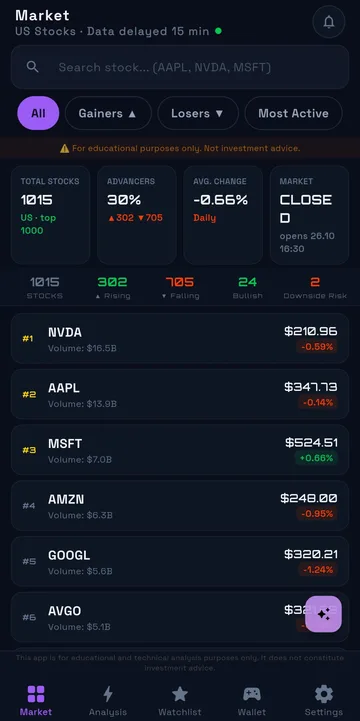
Designed to be read at a glance.
Plans
Free during the launch period
NBORSA is currently in closed testing and will be free at launch. Any future Premium plan will be available only through Google Play, and the current price will always be shown in Google Play before you subscribe.
Requirements
Android
Android 11 or later. An internet connection is required. US equity price data is delayed by 15 minutes. NBORSA covers US markets only.
FAQ
Frequently asked questions
Can I buy or sell shares in NBORSA?
No. NBORSA is an analysis tool. It is not a broker, does not route orders and does not hold funds or securities. The practice arena uses virtual cash only.
Why is the data delayed?
Price data is delayed by 15 minutes. Analyses are built on completed candles, so they are designed to work with delayed data.
Which markets are covered?
US-listed stocks only. The market screen lists the 1,000 largest companies; analyses cover the 100 largest by market capitalisation.
How can I join the test?
NBORSA is in closed testing on Google Play. The public release will be announced on this page.
How do I delete my account?
In the app go to Settings → Delete account, or see our account deletion page.